
WordPress Integration
If your website is built on WordPress, we offer a dedicated plugin that simplifies the embedding process, eliminating the need to handle raw integration code.
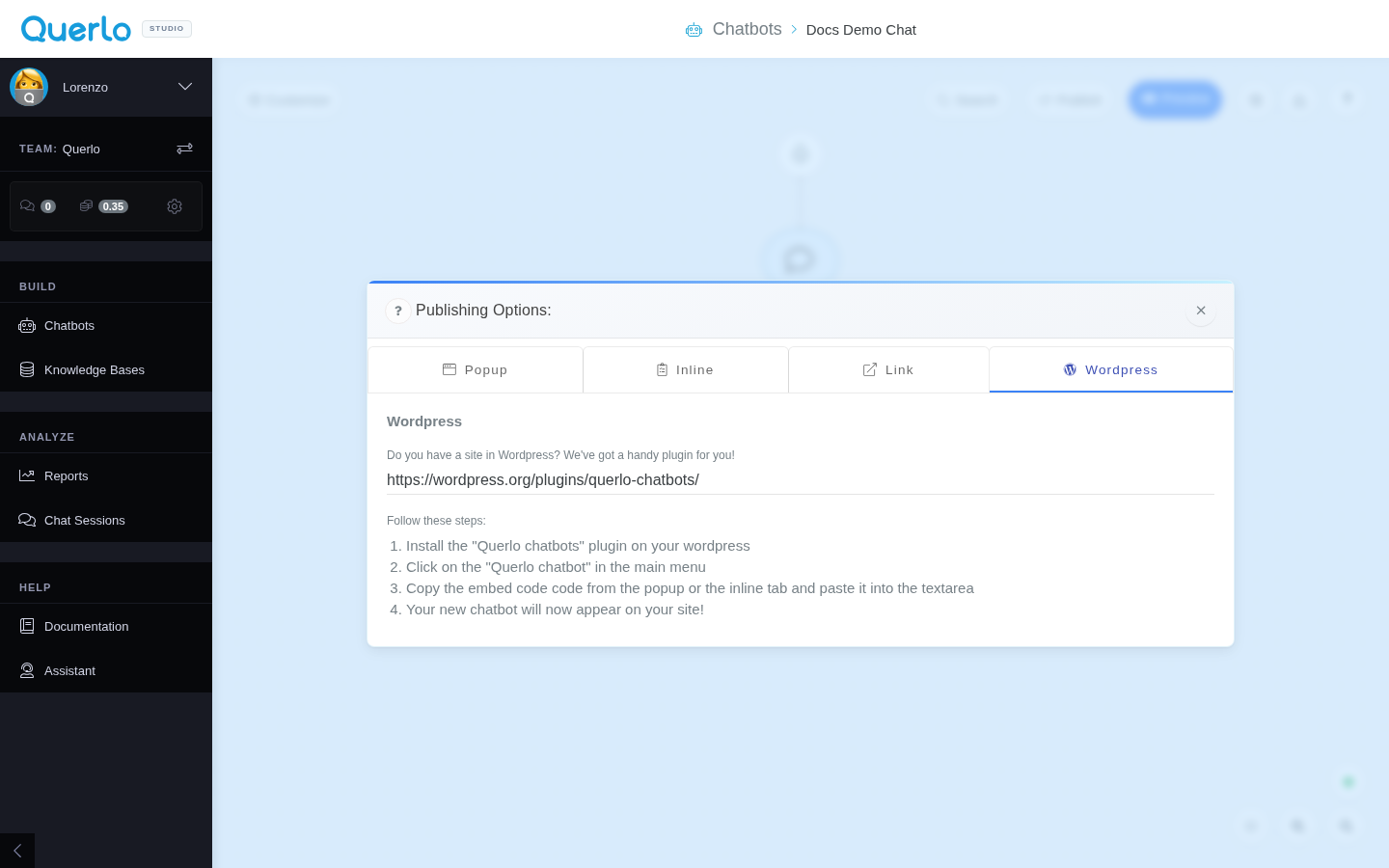
Setup Steps
Follow these simple steps as shown in the WordPress configuration tab:
- Install the Plugin: Install the official Querlo chatbots plugin on your WordPress site (available in the WordPress Plugin Directory or at https://wordpress.org/plugins/querlo-chatbots/).
- Access Settings: In your WordPress main menu, click on the Querlo chatbot item.
- Paste Embed Code: Copy the generated embed code from either the Popup or Inline tab of Querlo Studio, and paste it into the plugin's configuration text area.
- Publish: Save the changes, and your new chatbot will immediately appear and function on your WordPress site!