
Inline Embed
The Inline method allows you to embed the chatbot directly inside any web page as a native element — no popups, no redirects. The chat loads seamlessly within your layout, giving visitors a native experience without ever leaving your site.
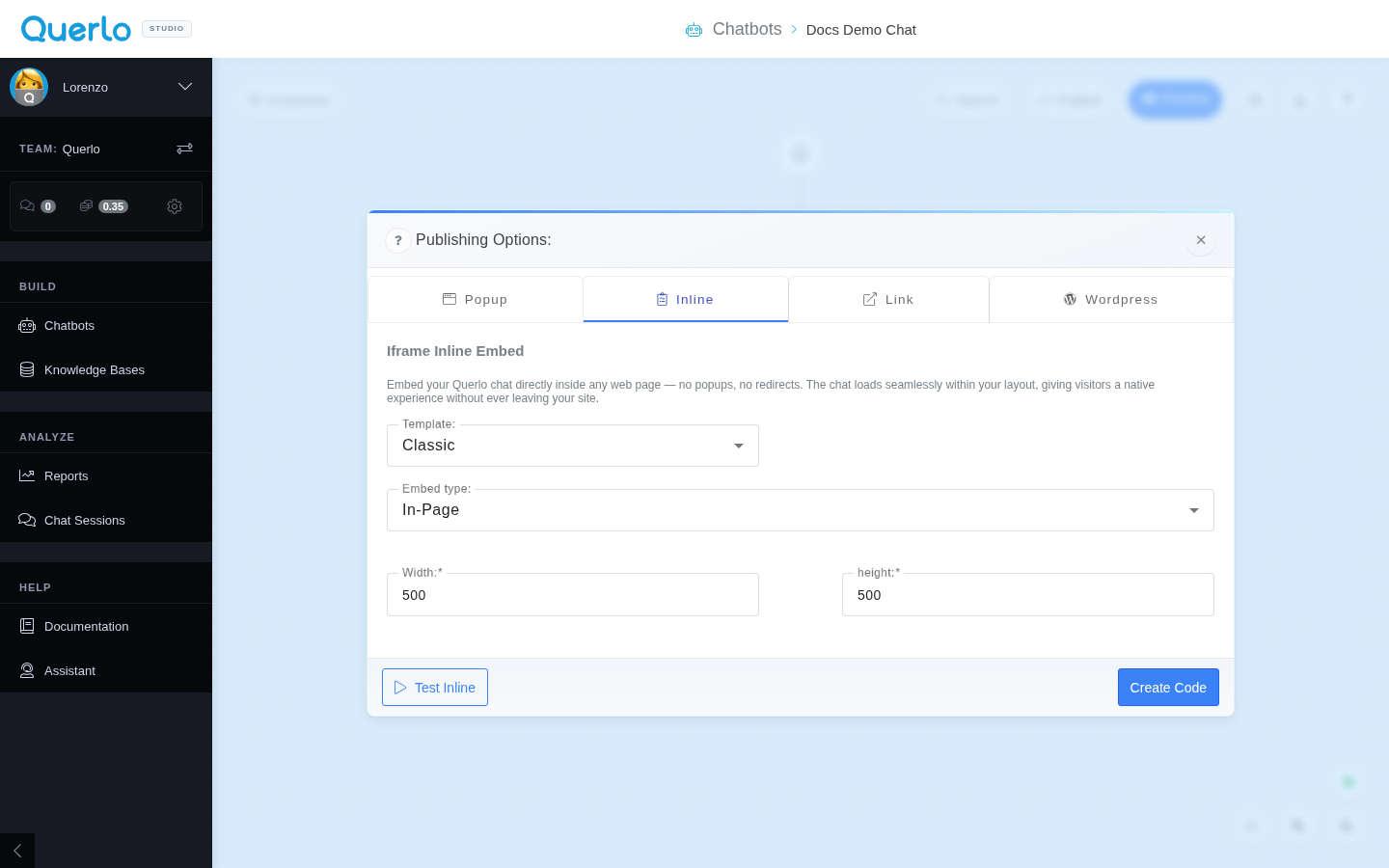
Configuration Options
When you select the Inline tab in the Publishing Options modal, you can customize the following:
- Template: Select the visual template layout (e.g., Classic).
- Embed type: Select In-Page to load the chatbot inside a specified container.
- Width & height: Configure the exact width and height of the iframe container to fit your site's design (e.g.,
500x500).
Recommendation: For the best user experience, we recommend keeping the width and height to at least 400px to ensure all chat elements, messages, and buttons are easily visible and clickable.
Generating the Code
- Click Test Inline to preview how the chatbot loads in-page.
- Click Create Code to generate the HTML
<iframe>integration code block.
Installation: Copy and paste the generated <iframe> code snippet into the exact location in your website's HTML layout where you want the chatbot container to render.