
Direct Link (Permalink)
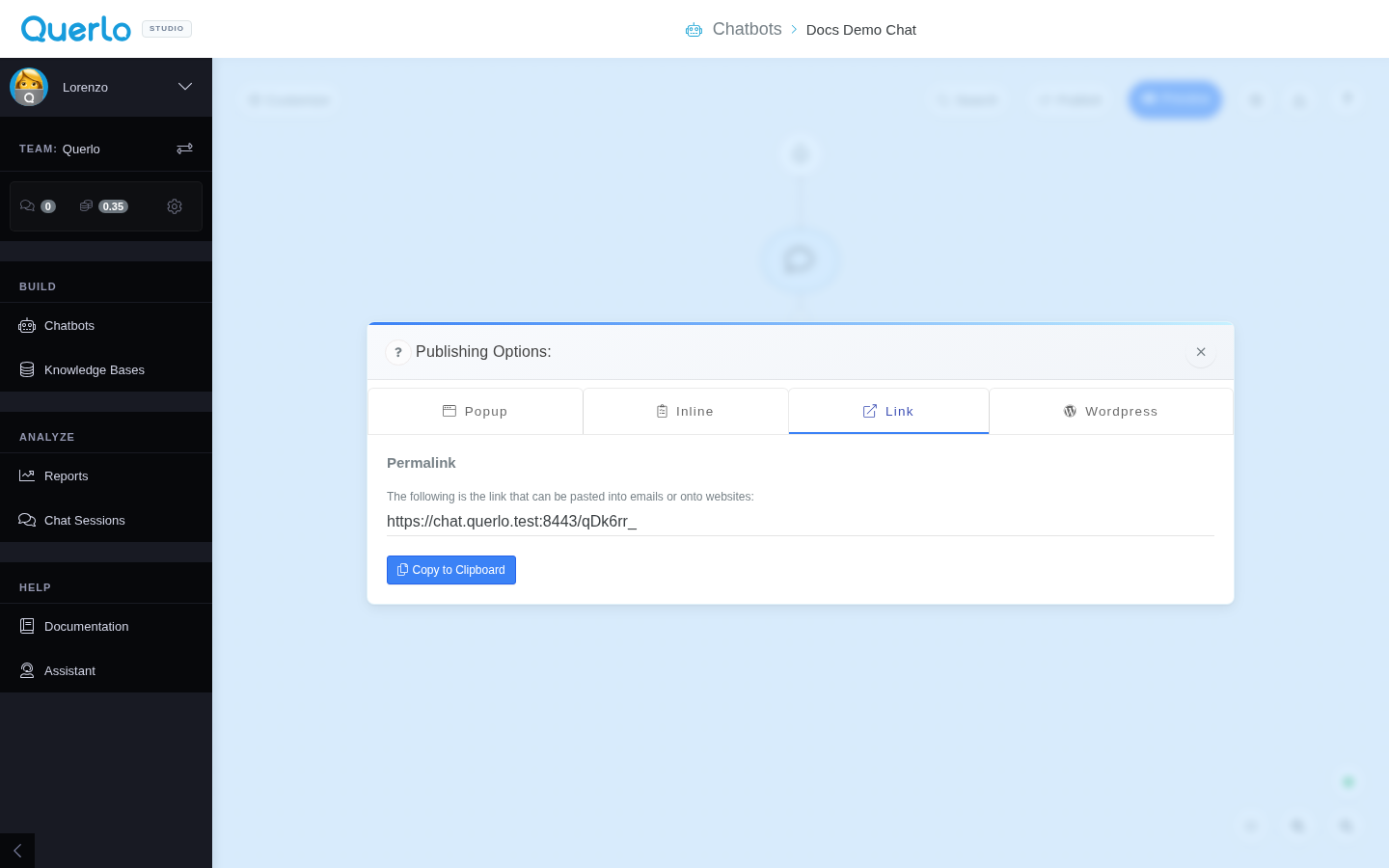
The Link tab provides a direct URL to your chatbot. This is the simplest way to direct users to a conversation without needing to modify any website HTML code.
Use Cases
A Permalink is ideal for:
- Email Campaigns: Link directly to a questionnaire, survey, or lead form.
- Social Media: Share your bot on platforms like LinkedIn, Facebook, or Twitter.
- Buttons: Direct users from a "Contact Us" or "Live Chat" button on your site to a full-screen chat experience.
- QR Codes: Generate a QR code that opens the chat link directly on mobile devices.
Getting the Link
Simply navigate to the Link tab, where you will find the generated chatbot URL (Permalink). Click Copy to Clipboard to copy the URL immediately.
[!TIP] You can customize the generated numeric ID in the URL to a friendly string (like
https://www.querlo.com/chat/my-custom-url) using the Custom URL setting in the chatbot settings. Learn more in the Chat Options guide.